|
|
|
|||
|
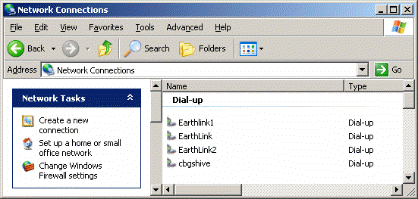
How to Create a Windows VPN Client 1/91. To open the Network Connections folder, click Start, click Control Panel, click Network and Internet Connections, and then double-click Network Connections.
|
|
|
This web is provided "AS IS" with no warranties.
Copyright © 2002-2018
ChicagoTech.net,
All rights reserved. Unauthorized reproduction forbidden.