|
|
|
|||
|
Home | Troubleshooting | Quick Setup | Cisco How to | Data Recovery | Forums | Blog | IT Exam Practice | Services | About Us | Chicagotech MVP | Search | Contact Us | |
|
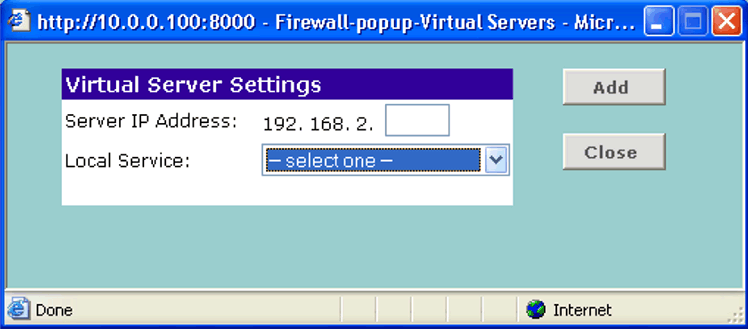
How to Configuring Port Forwarding on 3COM Gateway This how to is based on 3COM Wireless Cable/DSL Gateway 3CRWE51193 and enabling port 5800 for VNC. 1. To access the 3COM Gateway, type http://ip:8000 in an internet browser. for http://192.168.2.1:8000. 2. Enter system password to login. 3. On the left panel, click Firewall. 4. Press the New button. the Virtual Server Settings displays as the below.
Post your questions, comments, feedbacks and suggestions Related Topics |
|
|
This web is provided "AS IS" with no warranties.
Copyright © 2002-2018
ChicagoTech.net,
All rights reserved. Unauthorized reproduction forbidden.