|
|
|
|||
|
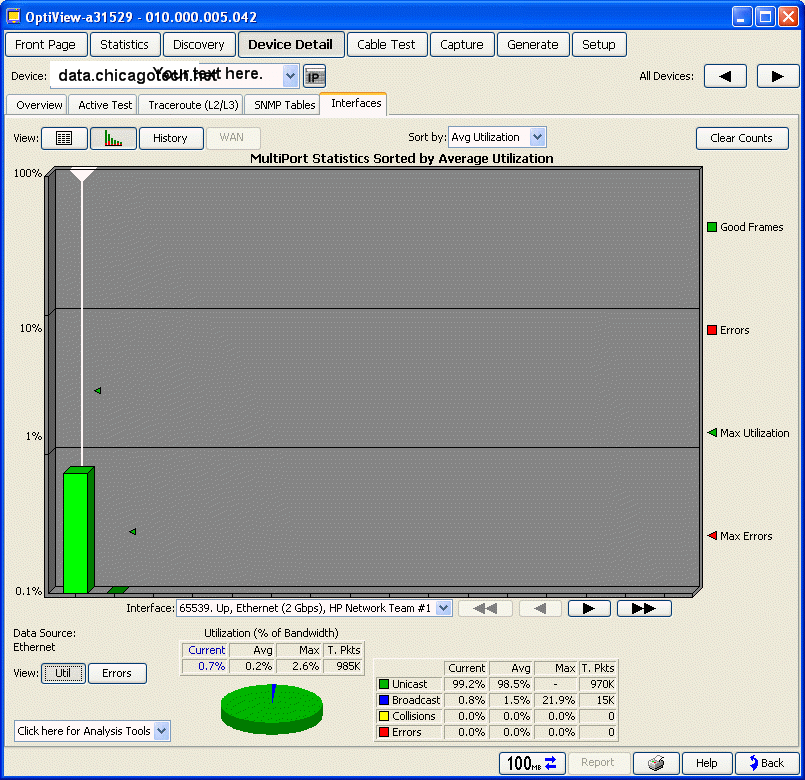
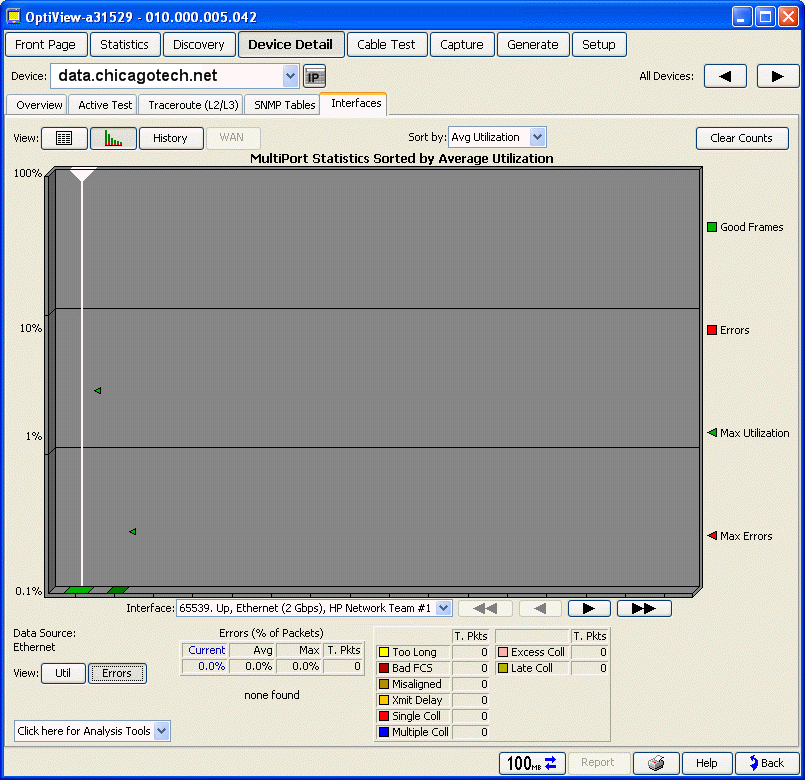
How to monitor a server utilization and errors using Fluke OptiView
1. Run Fluke User Interface. 2. Click on Device Detail. 3. Type or select the computer you want to monitor. 4. Click Interface tab and then graphic icon. 5. In the View, select Utl for Utilization and Errors for checking errors.
Post your questions, comments, feedbacks and suggestions Related Topics
|
|
|
This web is provided "AS IS" with no warranties.
Copyright © 2002-2018
ChicagoTech.net,
All rights reserved. Unauthorized reproduction forbidden.