|
|
|
|||
|
How to install Windows 2008 SBS Self-signed Certificate
1. On Windows SBS 2008, open Windows Explorer and navigate to the Public\Public Download folder.
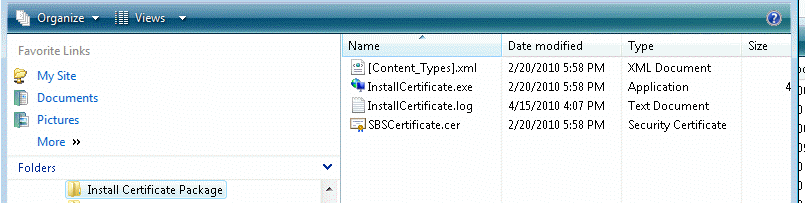
2. Copy the Install Certificate Package folder or zip file to remote computer.
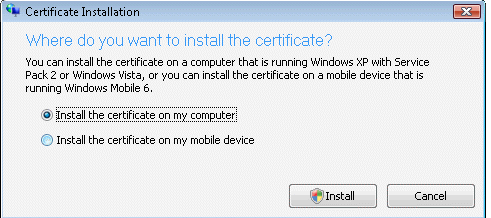
3. On the remote computer, browse the Install Certificate Package and run InstallCertificate.exe.
4. Follow the instruction to install the Certificate.
Post your questions, comments, feedbacks and suggestions Related Topics
|
|
|
This web is provided "AS IS" with no warranties.
Copyright © 2002-2018
ChicagoTech.net,
All rights reserved. Unauthorized reproduction forbidden.