|
|
|
|||
|
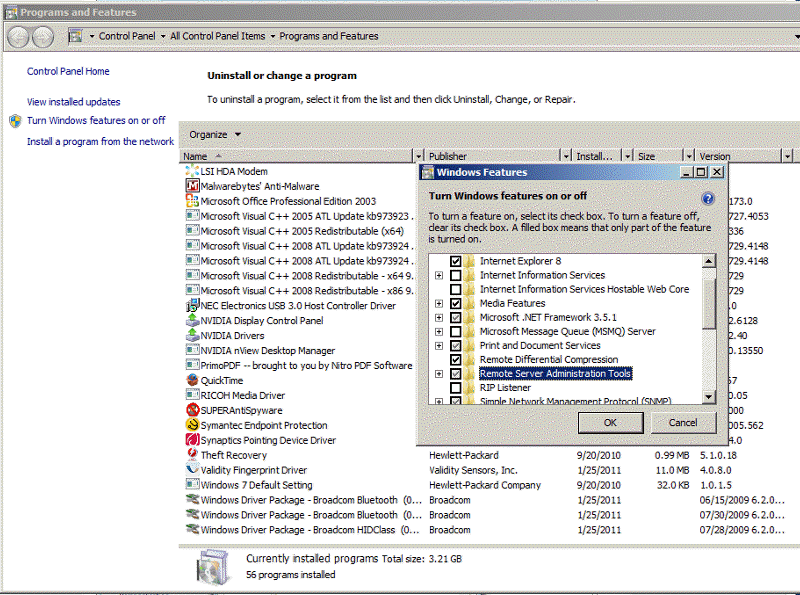
How to install Remote Server administration Tools in Windows 7 -Step by step with Screenshots
1. Download Remote Server Administration Tools for Windows 7 with SP1 from Microsoft website.
2. Open the folder into which the package downloaded,
double-click the package to unpack it, and then start the Remote Server
Administration Tools for Windows 7 with SP1 Setup Wizard.
Post your questions, comments, feedbacks and suggestions Related Topics
|
|
|
This web is provided "AS IS" with no warranties.
Copyright © 2002-2018
ChicagoTech.net,
All rights reserved. Unauthorized reproduction forbidden.